Dimension Mapping Table
Last Updated:2025-11-14
Dimension Mapping Table
The dimension mapping table is a user-customized static table designed for log monitoring. It maps query result values to specific service attribute fields, such as mapping province, city, and district names from query results to postcodes for further processing. This functionality improves the clarity of dimension values, simplifying monitoring and creating alarm strategies.
Create dimension mapping table
- On the Application List page, click the name of an application to access its Details page.
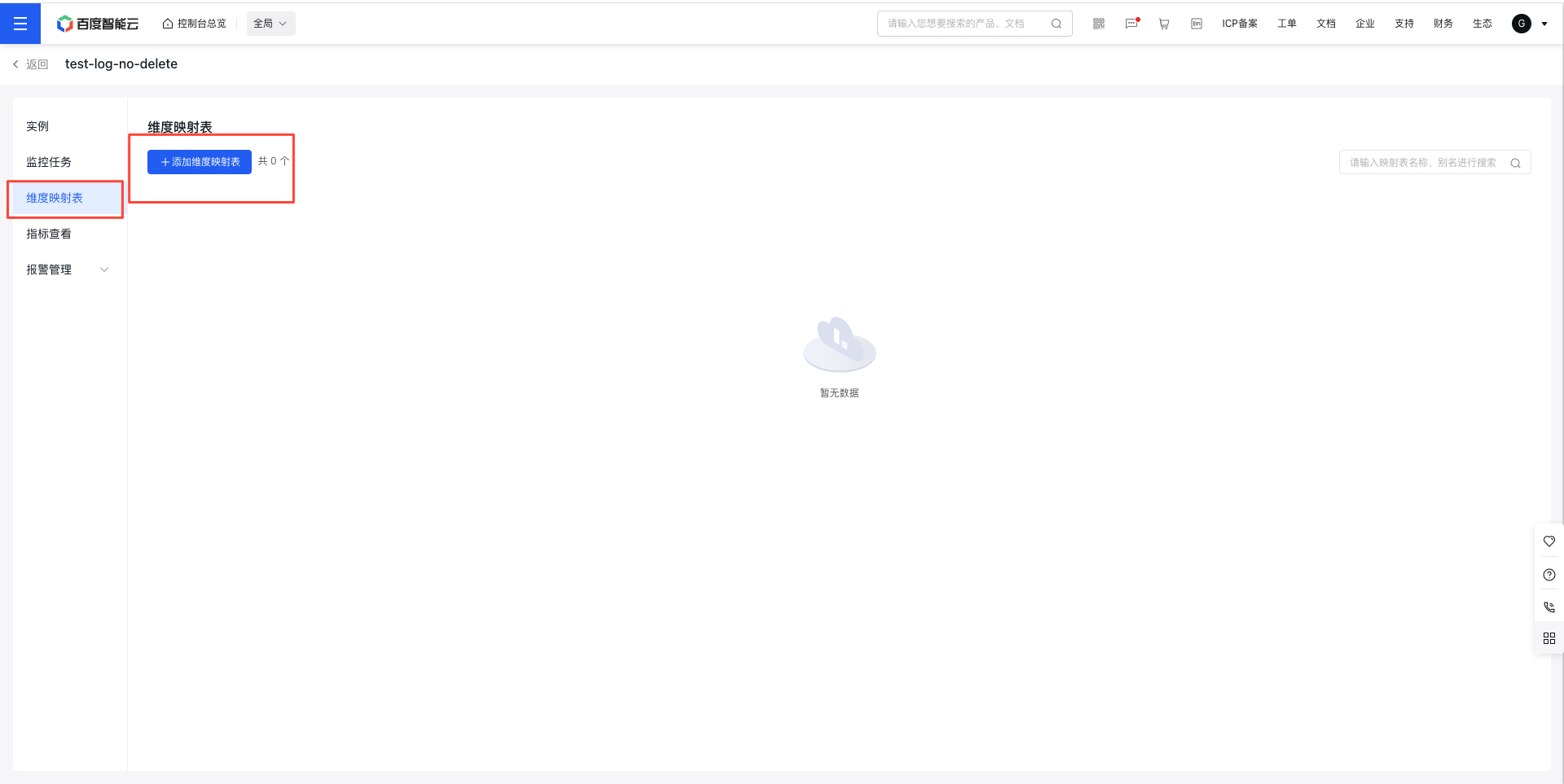
- Click the Dimension Mapping Table tab in the left navigation menu to open the Dimension Mapping Table page.
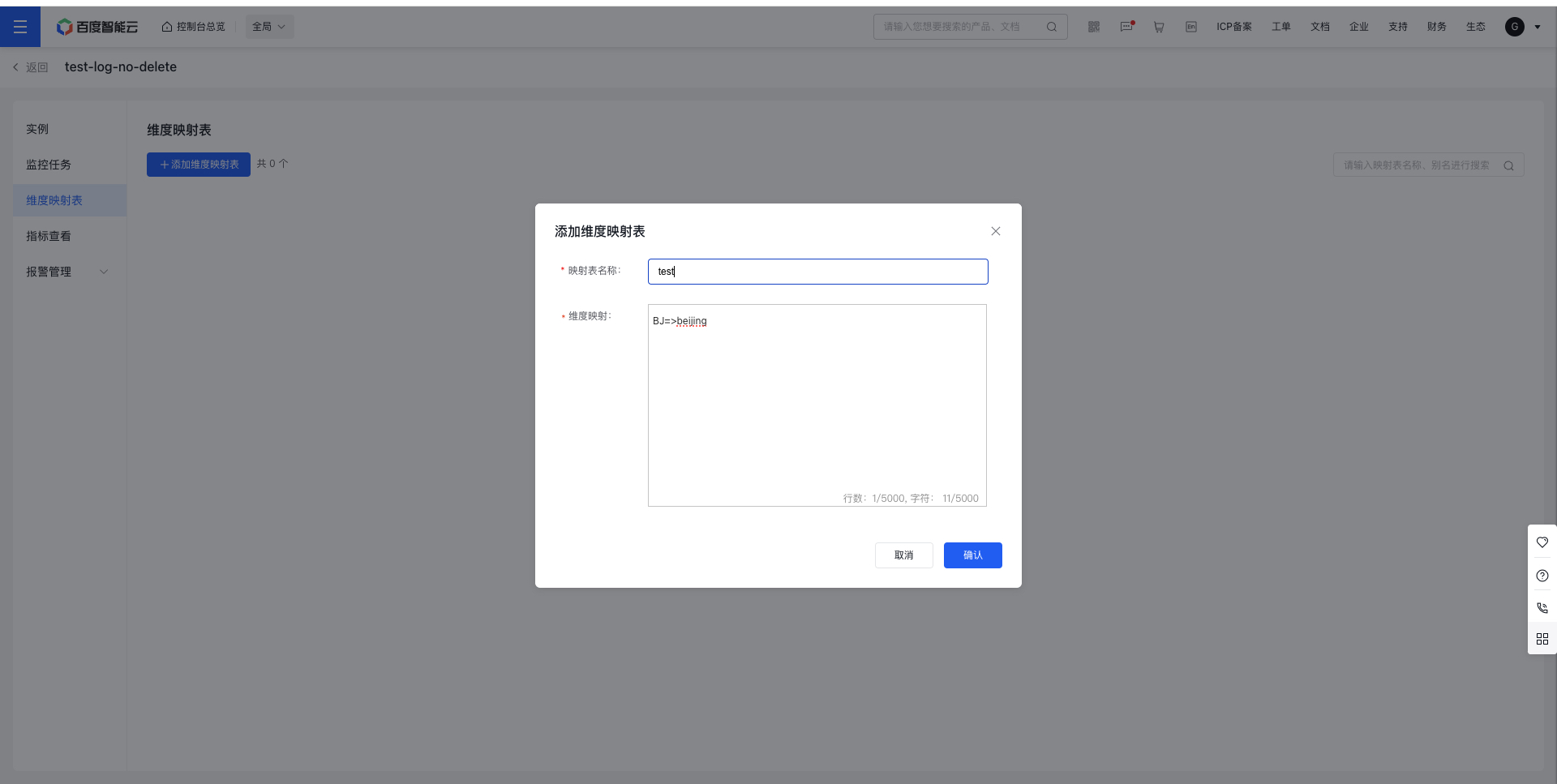
- Click Add Dimension Mapping Table, fill out the required form, and then click Confirm to complete the creation process.
On the Create Log Monitor page, you can click the "Add Mapping Table" button to add a dimension mapping table with ease.
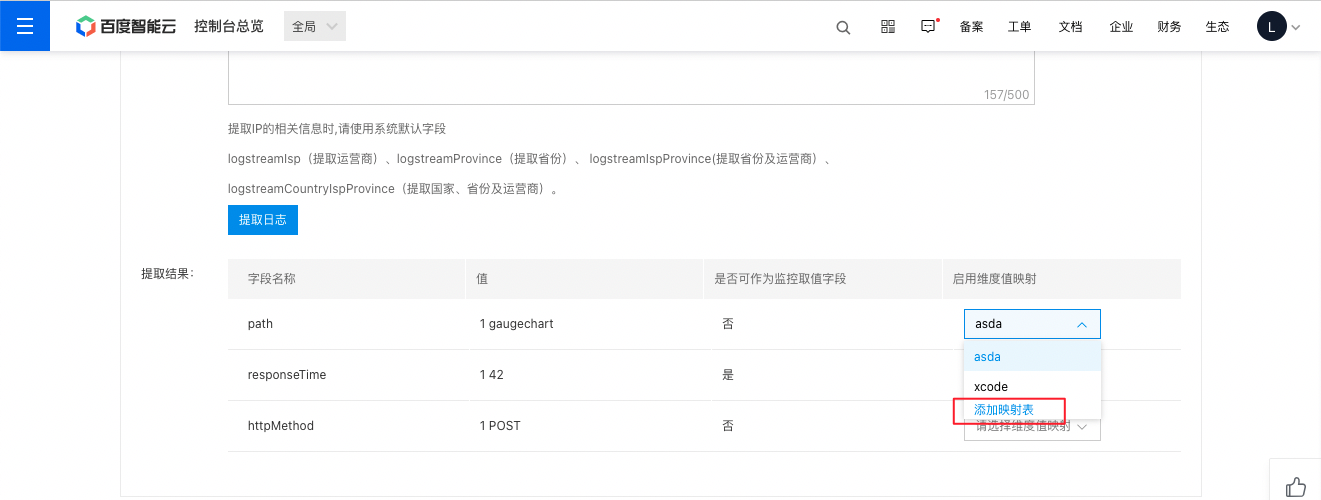
Dimension mapping table configuration:
- Dimension mapping: The format must follow "original value => mapped value." Multiple original values can be mapped to a single value, e.g., Bj.yz => Beijing, Bj.sh => Beijing. Mapped values can include English letters and numbers.
- Enable dimension value mapping: You can decide whether to "translate" dimension values based on your needs. If mapping is enabled for this dimension but the collected value doesn't exist in your dimension mapping table, the collected value will still be displayed.
Manage dimension mapping table
- On the Application List page, click on the name of an application to open its corresponding Instance List page.
- Click the Dimension Mapping Table tab in the left navigation menu to open the Dimension Mapping Table page.
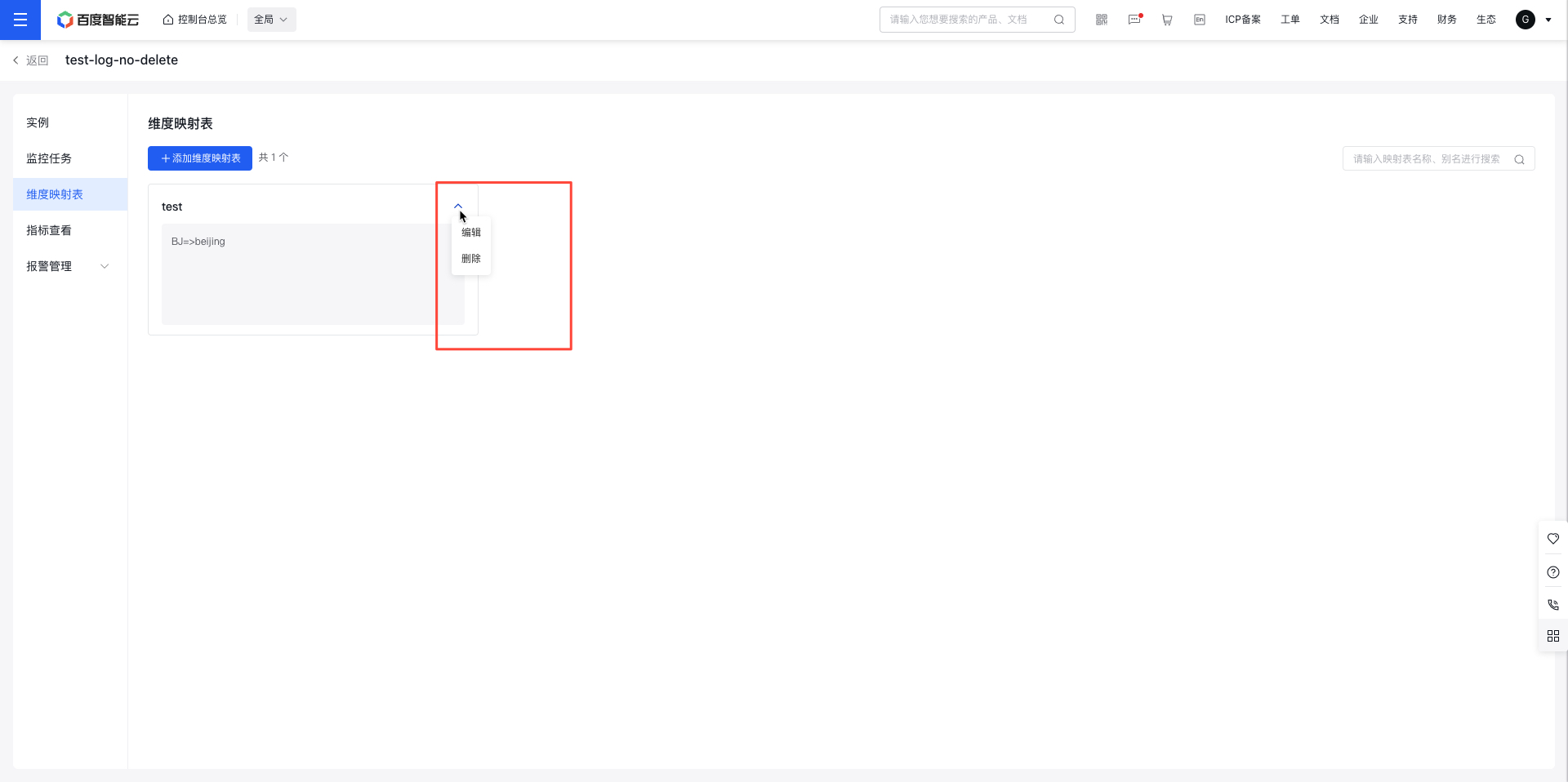
- Use the Edit or Delete button to modify or remove a mapping table.