Management Dashboard
Last Updated:2025-11-14
Add dashboard
- Select "Dashboard" from the left navigation bar to enter the Dashboard List page.
- Click on "Add Dashboard" at the top-left corner of the list, and provide a name for the dashboard in the pop-up window.
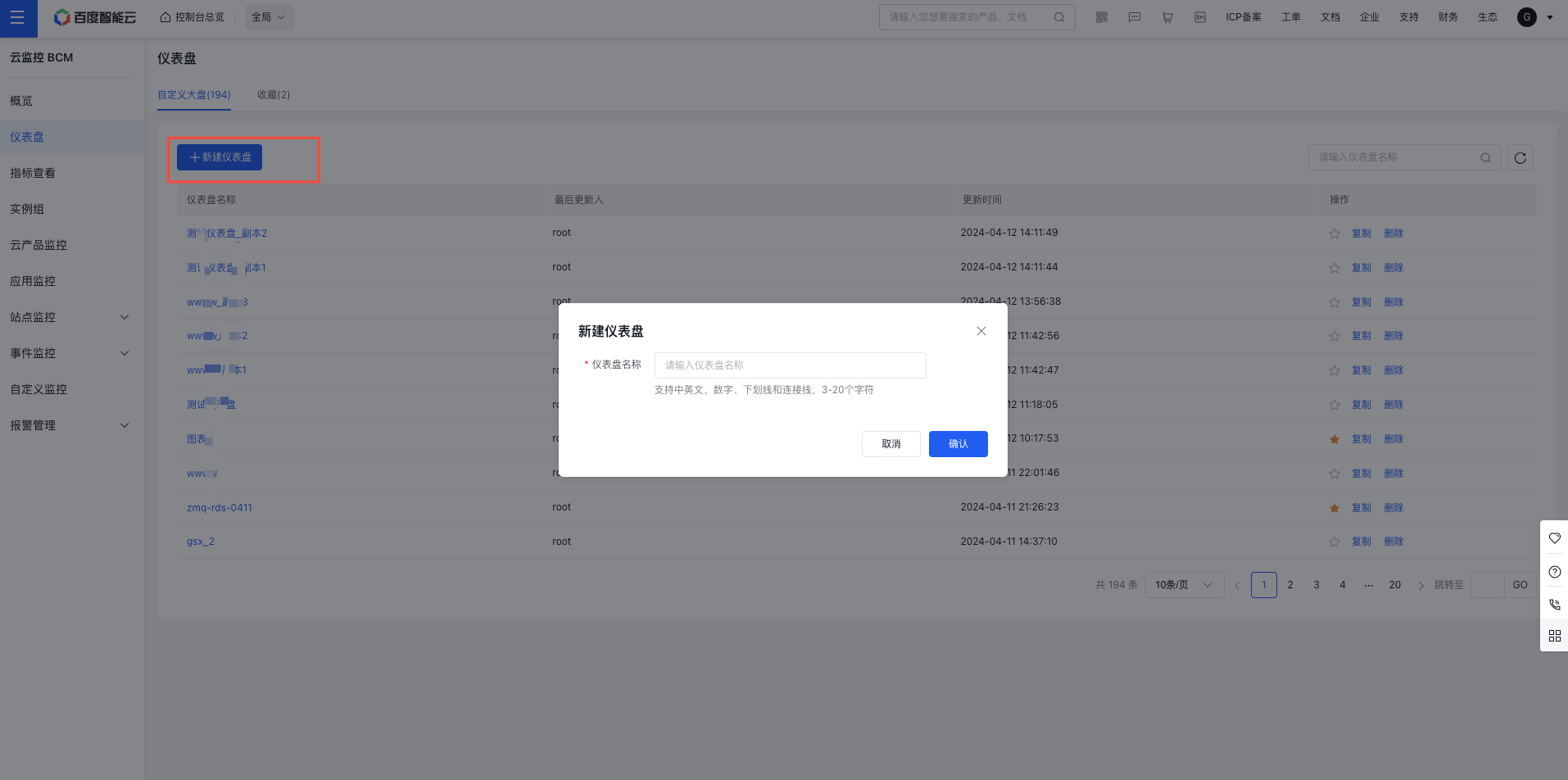
- Click "Confirm," and the dashboard will be successfully created.
View and configure dashboard
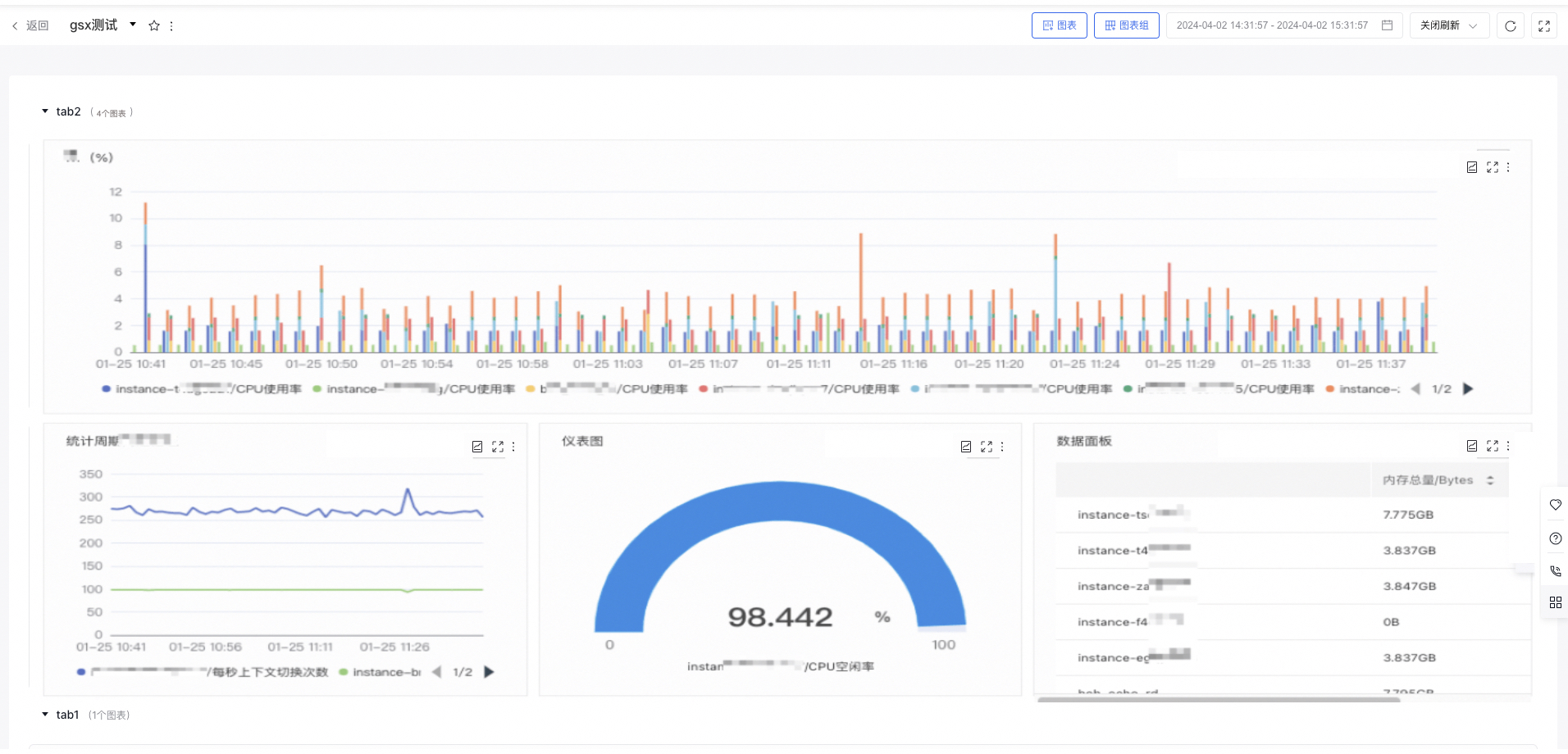
- Click Dashboard in the left navigation bar to access the Dashboard List page where you can view and configure the dashboard
- Click on the dashboard name to navigate to its details page.
Modify dashboard name
- Select "Dashboard" from the left navigation bar to enter the Dashboard List page.
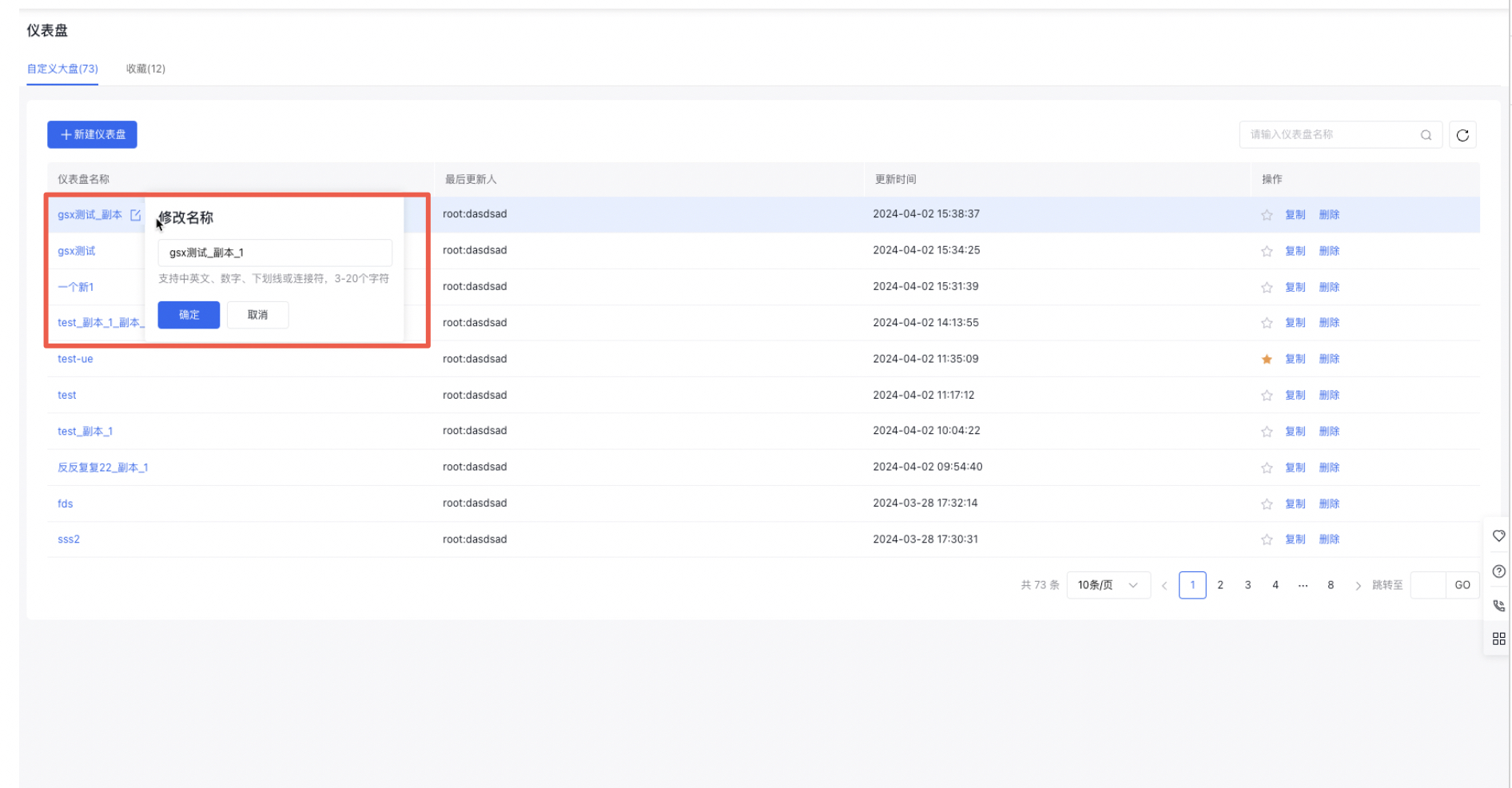
- Hover over the dashboard name, click the "Modify" button next to it, make the desired changes, and confirm by clicking "Confirm."
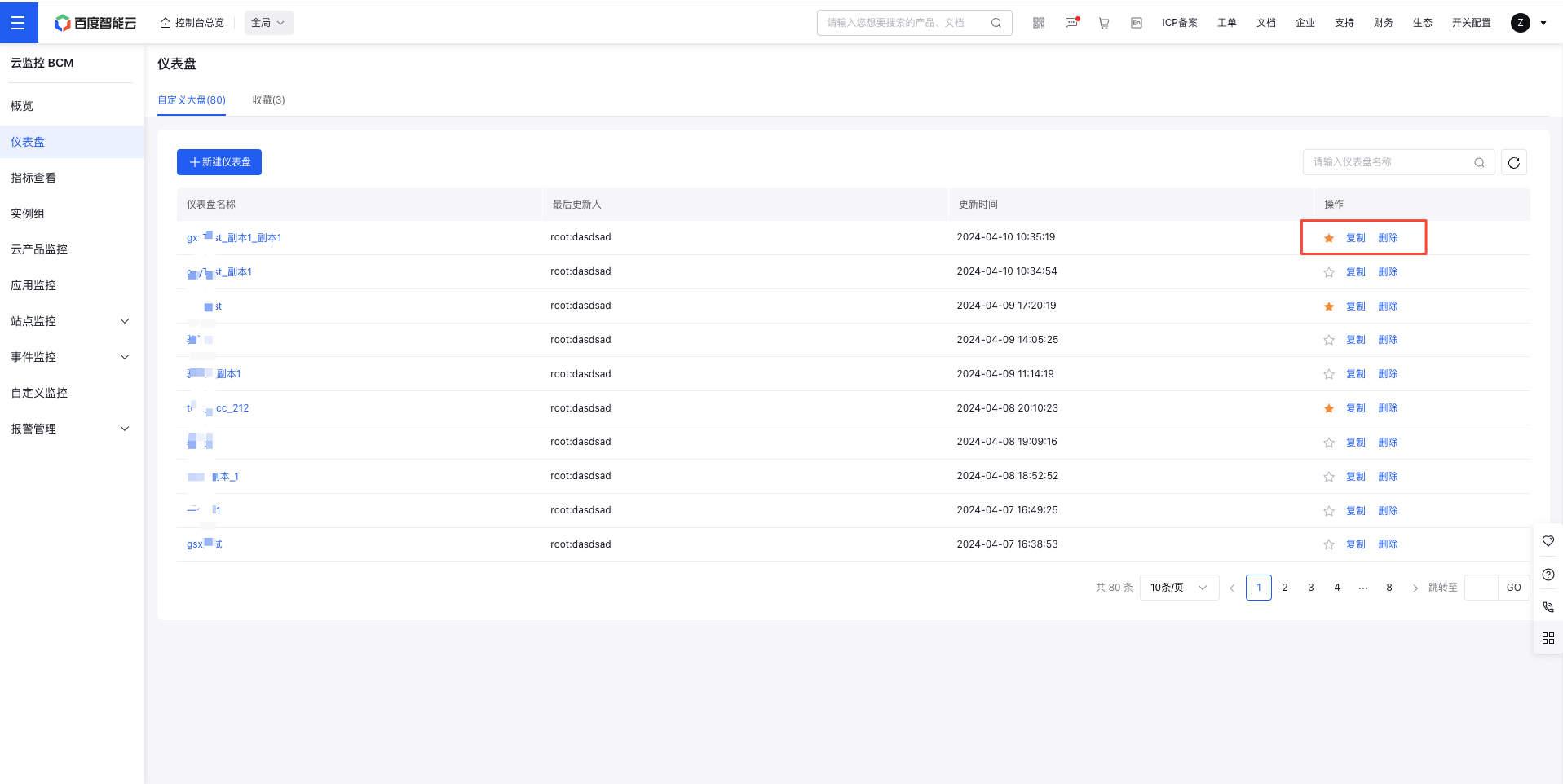
Favorite/copy/delete dashboard
- Select "Dashboard" from the left navigation bar to enter the Dashboard List page.
- Click the Favorite/Copy/Delete buttons in the operation column to favorite/copy/delete the dashboard. Favorited dashboards are displayed separately in the Favorite tab