Port monitor
Last Updated:2025-11-14
Port monitor
Port monitor provides continuous probing of port liveness. You can understand port connection status, response time, and other monitor metrics in real-time, and configure alarm strategies to view alarm history
Create a port monitor task
- On the Application Monitor page, click the application's name to open the corresponding Details page.
- In the left navigation panel, click on the Monitor Task tab to navigate to the Monitor Task page.
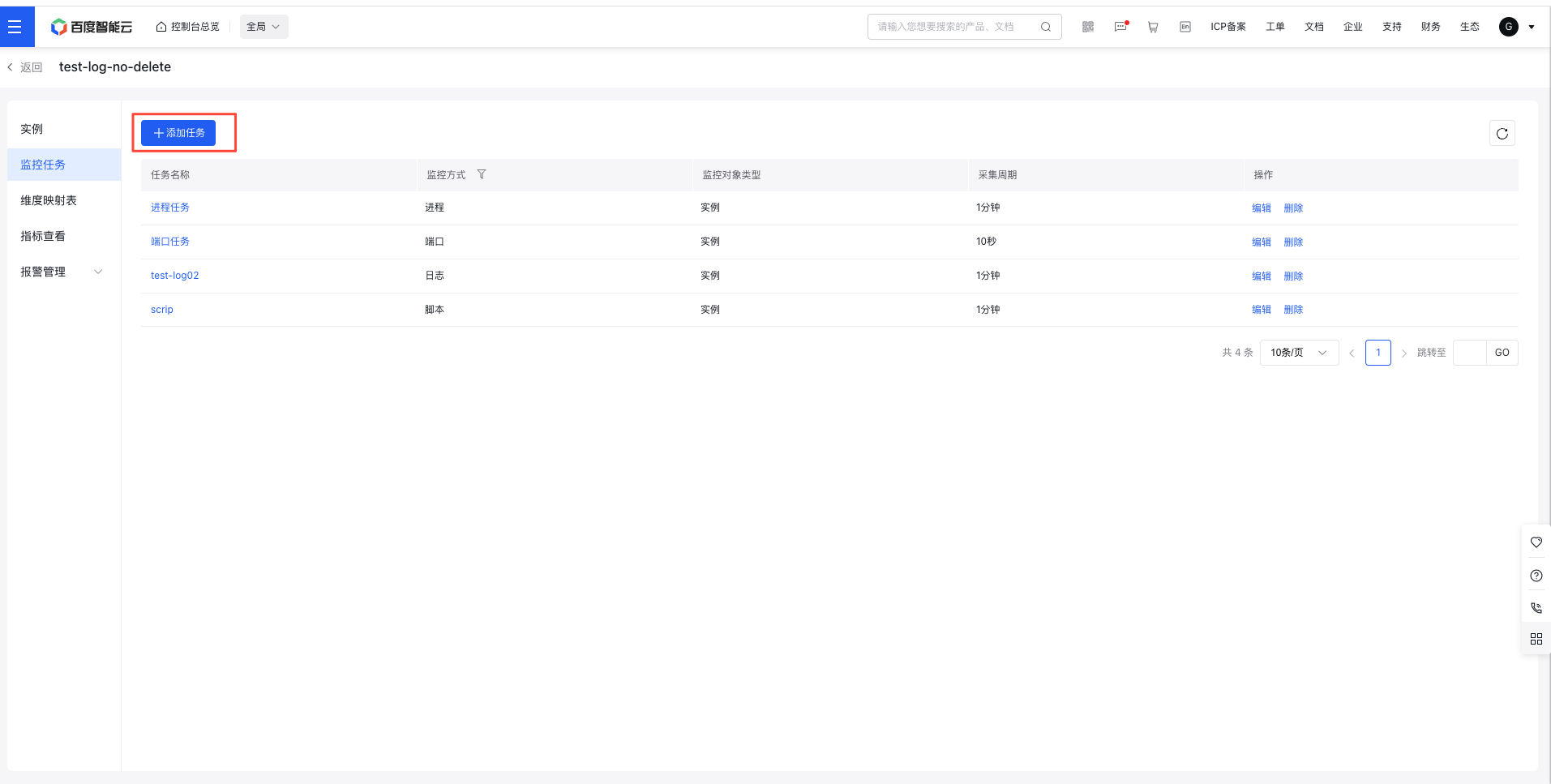
- On the Monitor Task page, click the Create Task button to access the Create Monitor Task page.
- On the Create Monitor Task page, choose Port as the monitoring method, fill in the form details, and click Complete to successfully create the task.
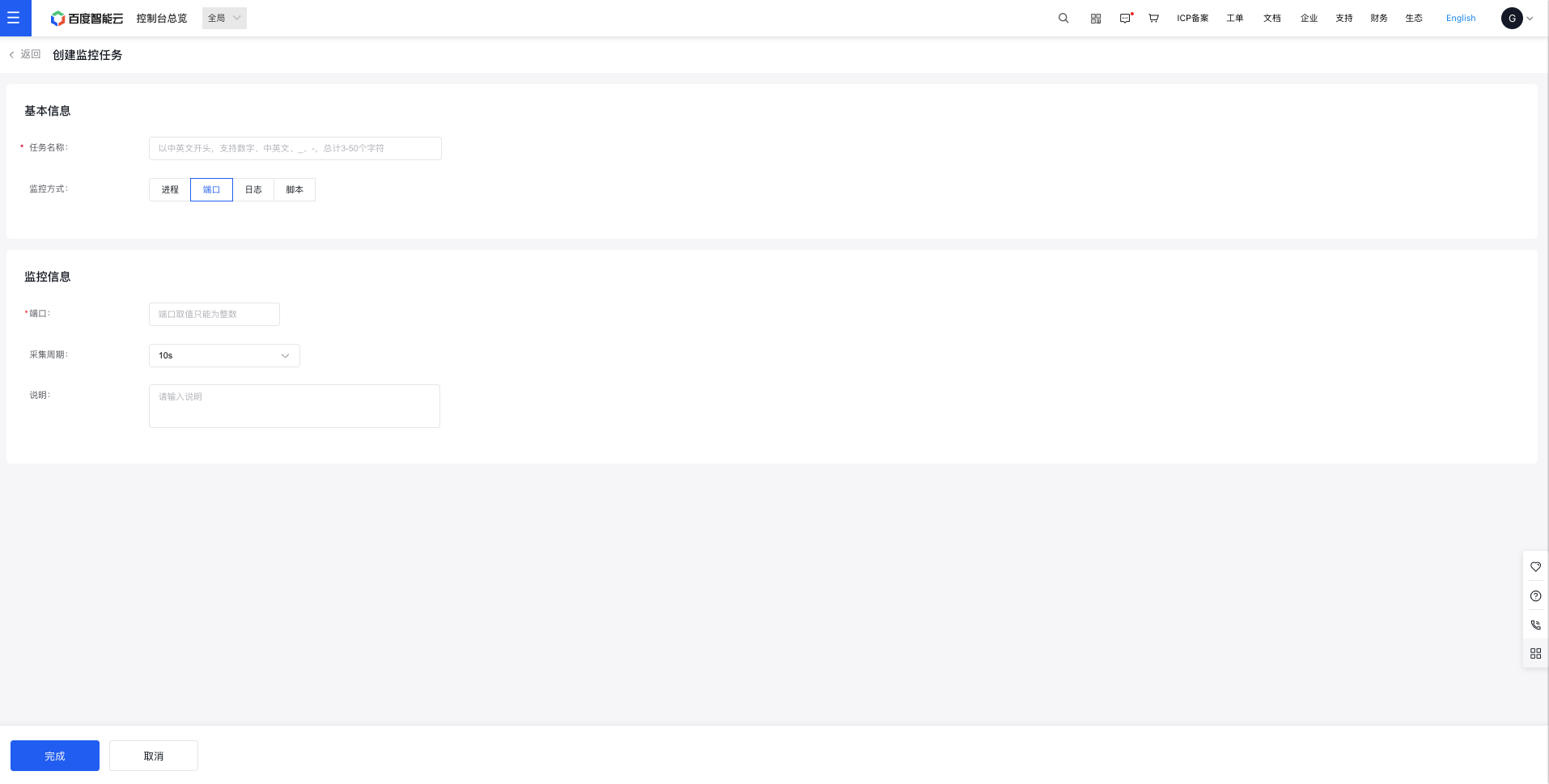
Port monitor configuration:
| ConfigMap | Description |
|---|---|
| Ports | - Port monitor can be used to determine whether a port is connected, currently supporting the TCP communication protocol. - The port value can only be an integer less than 65536. |
| Collection Period | Value range: 10 seconds (default), 30 seconds, 1 minute, 2 minutes, 10 minutes. |
View port monitor data
- Go to the Application List page, then click an application name to open its Details page.
- In the left navigation panel, click on the Monitor Task tab to navigate to the Monitor Task page.
- On the Monitor Task page, click the name of a port monitoring task to open the corresponding Details page.
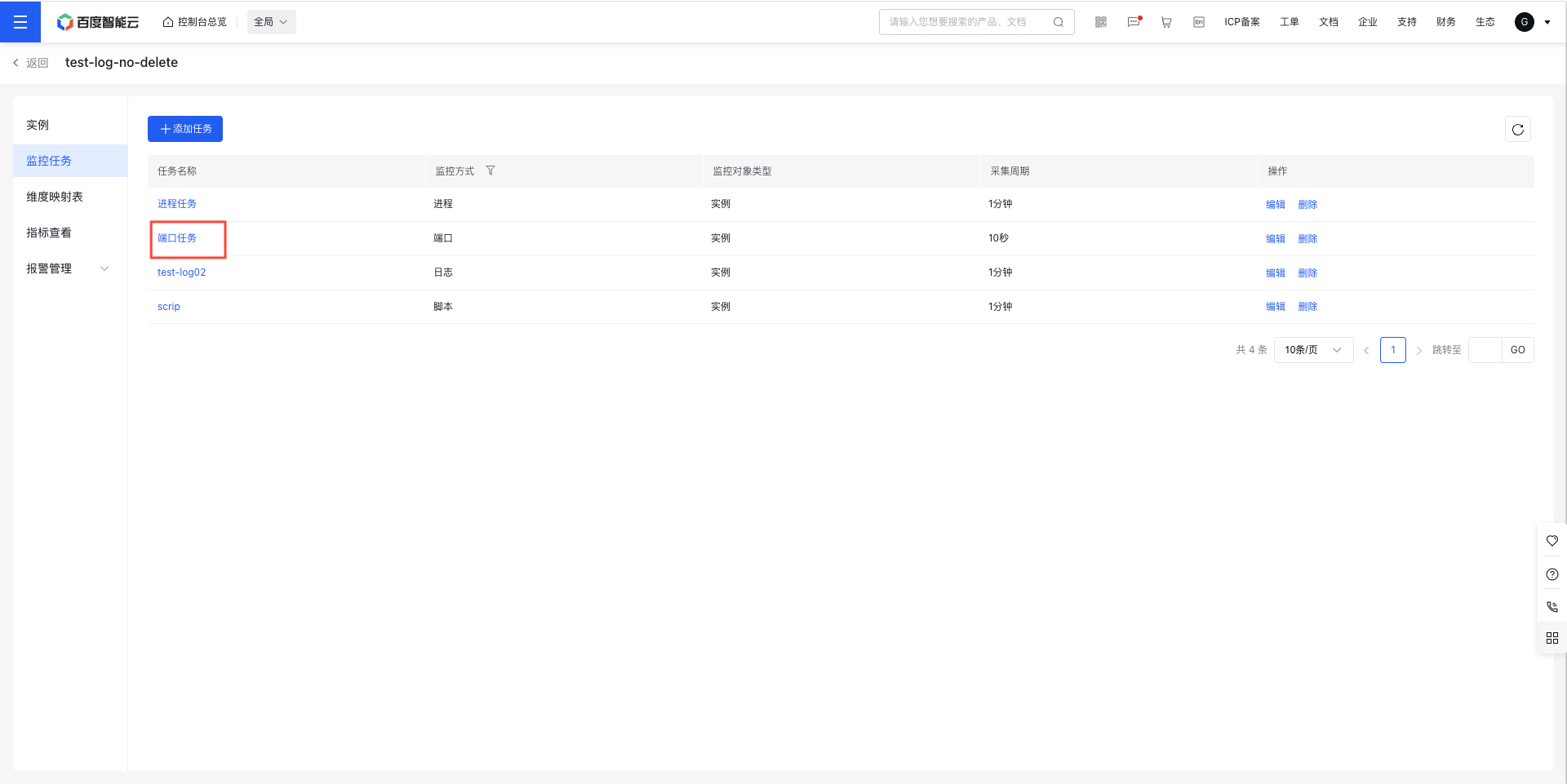
- Check the monitoring data for the task on the corresponding Details page.
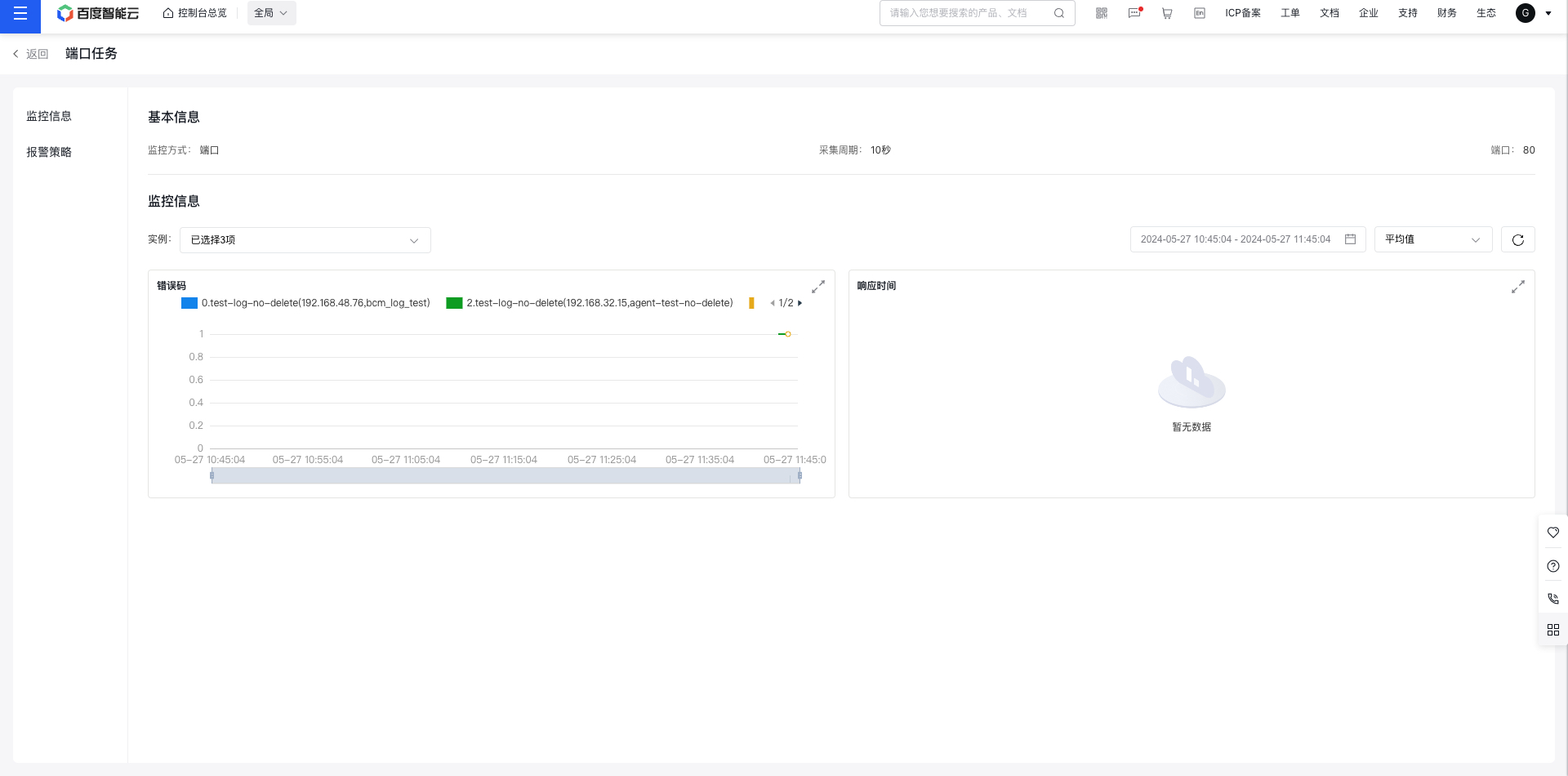
Configure alarm strategy for ports
- Go to the Application List page, then click an application name to open its Details page.
- In the left navigation panel, click on the Monitor Task tab to navigate to the Monitor Task page, then click on the name of a port monitoring task.
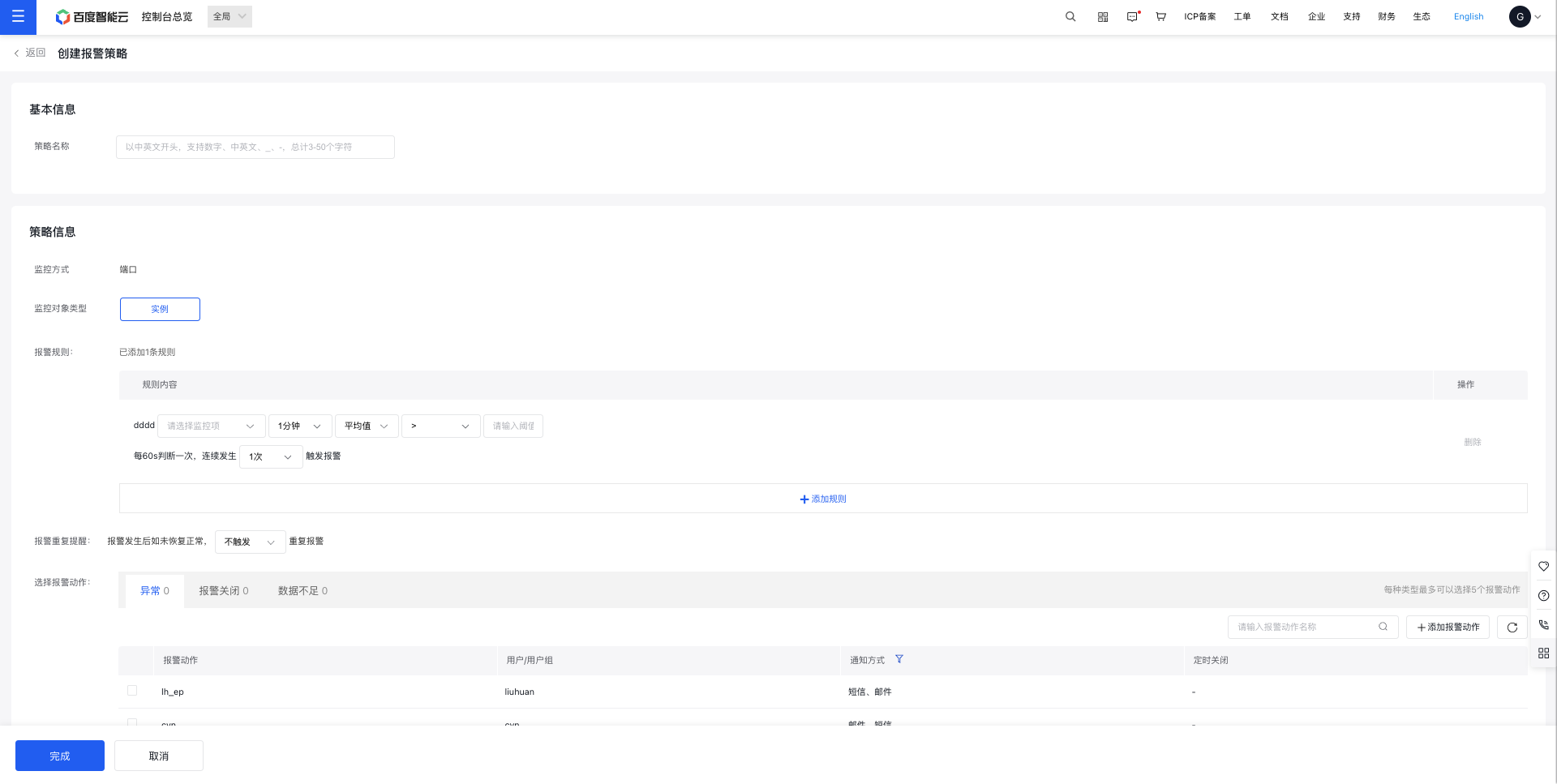
- On the Port Task page, select the Alarm Strategy tab to review the list of alarm strategies for the current port task. Click Create Strategy to add an alarm strategy for the port task.
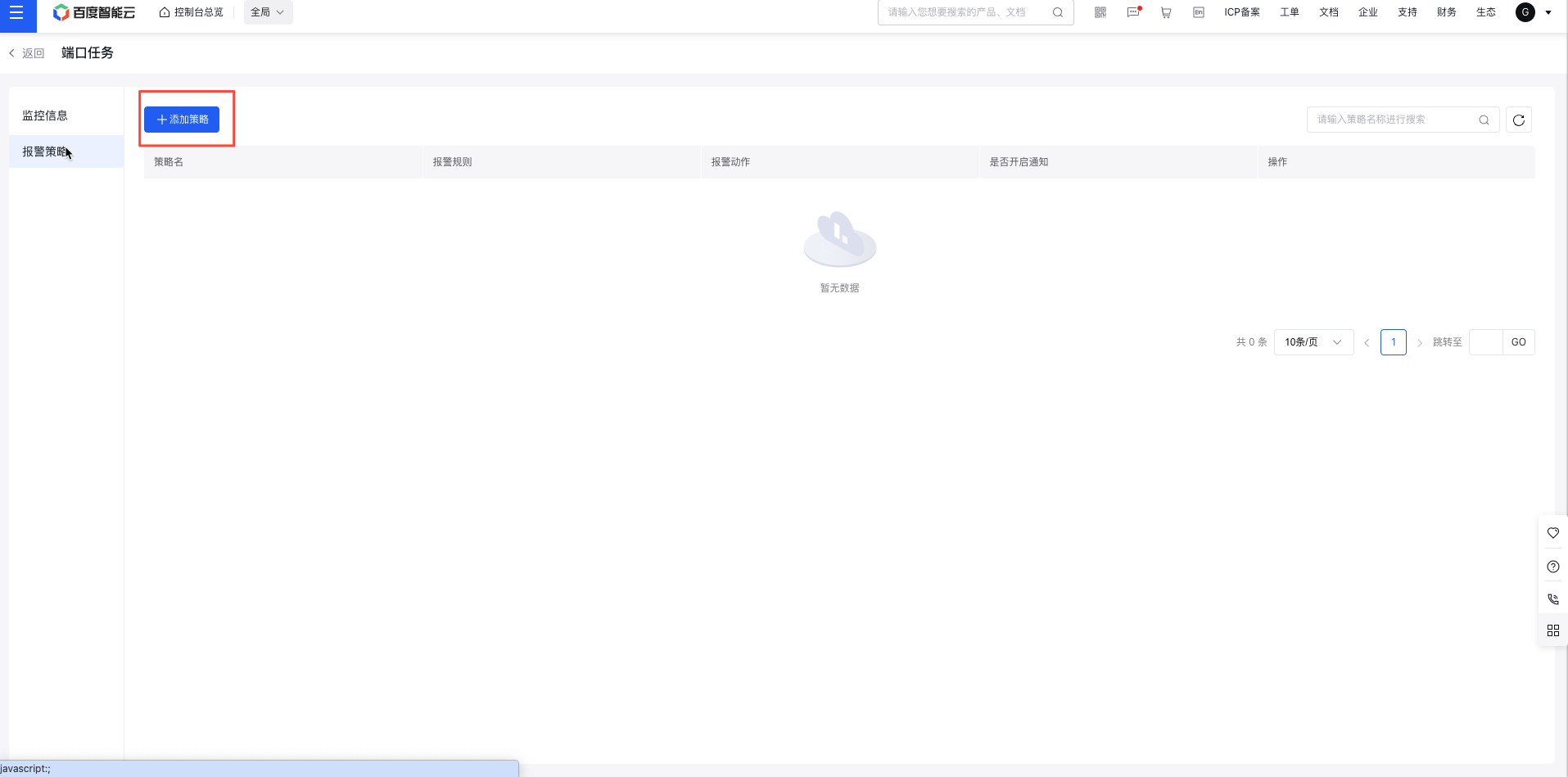
- Complete the alarm strategy configuration form and click Save to finish creation