Manage Scheduled SQL Analysis Task
Last Updated:2025-11-14
View CornJob details
- After successfully creating a task, go to the Product Services - CornJob page.
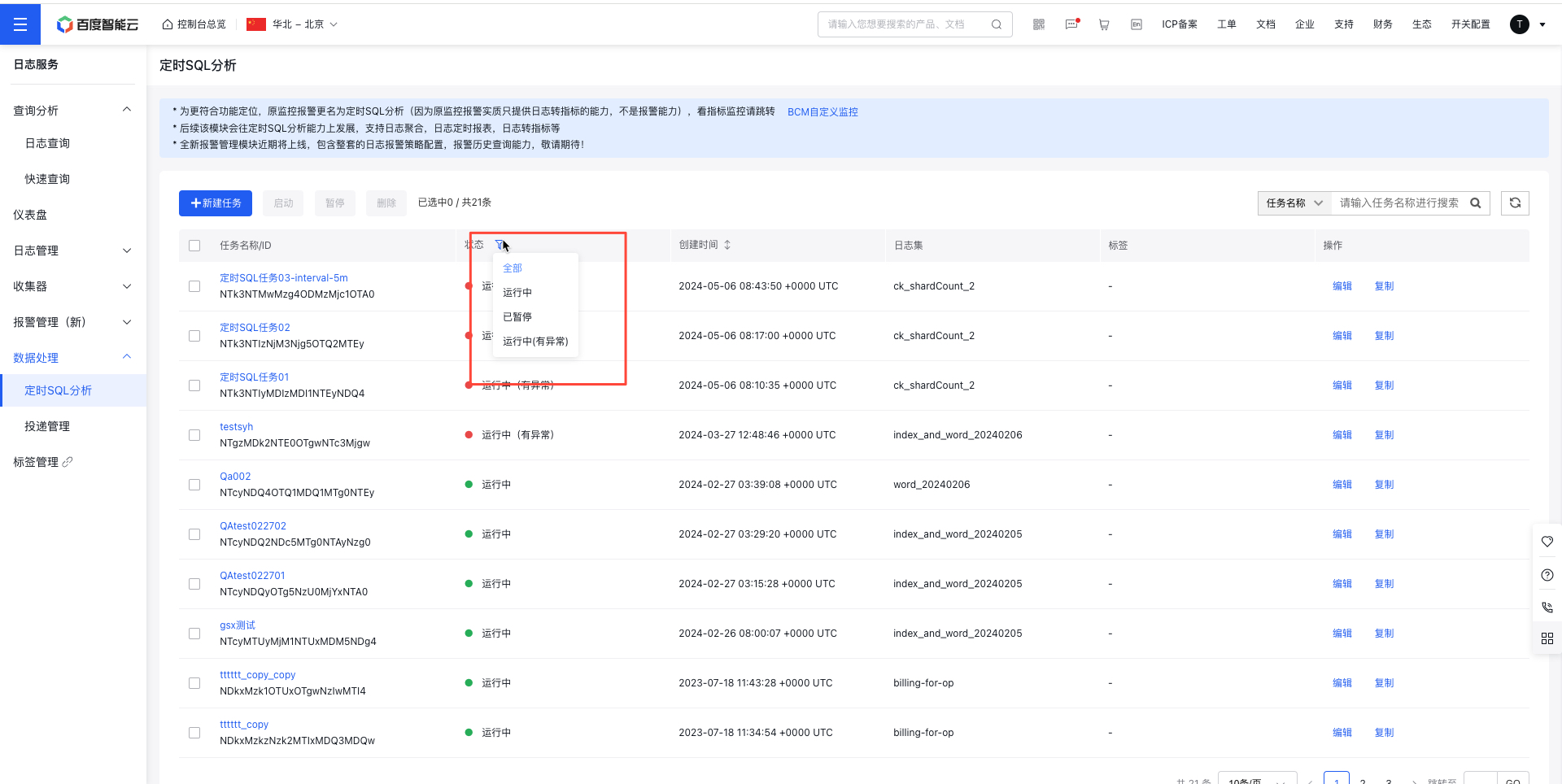
- By default, all alert strategy task names, task IDs, statuses, monitor objects, and creation times are displayed. Use the Status option to filter tasks by Running, Abnormal, or Paused statuses.
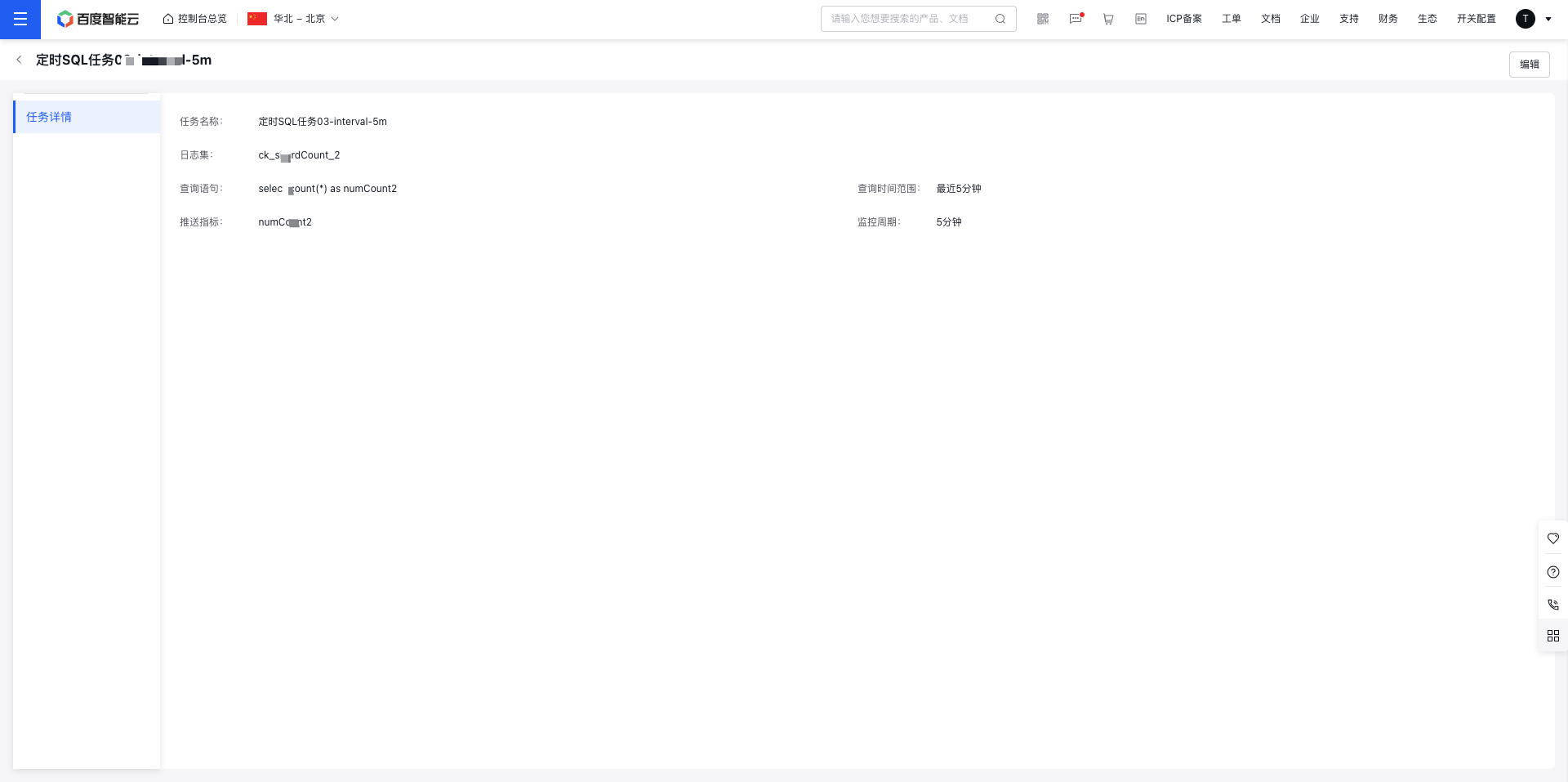
- Click the task name to enter its details page and view the configuration information of the task.
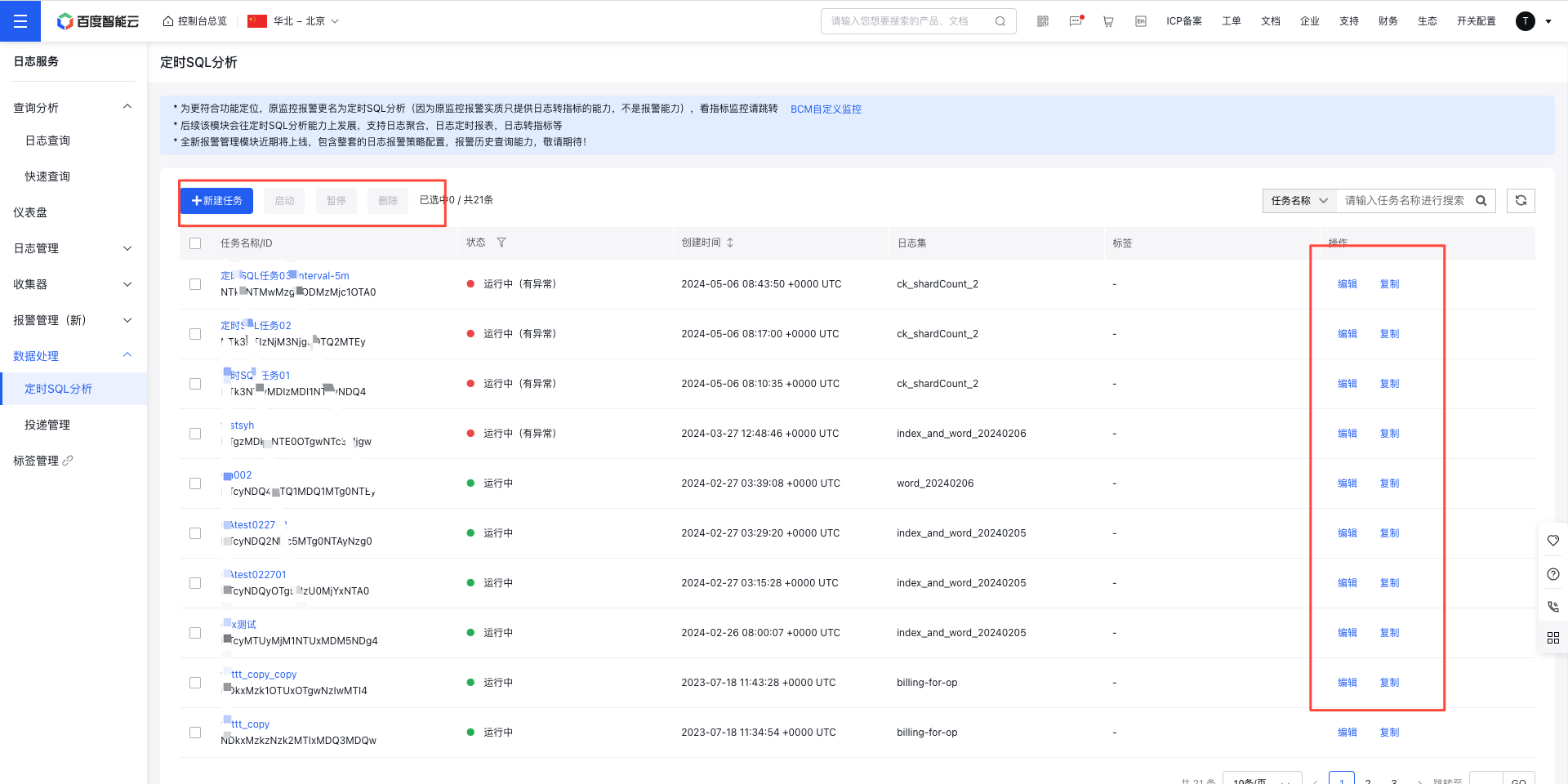
Edit/start and stop/delete/copy task configuration
- After successfully creating a task, go to the Product Services - CornJob page.
- Search for the task by its name, ID, or LogStore, then click the Edit/Copy/Start/Delete button on the top or right to adjust the task configuration.