Identity and access management
Introduction to Identity and Access Management product
Identity and Access Management (IAM) is designed for managing identities and access to Baidu AI Cloud resources. It facilitates centralized authorization, resource sharing, and multi-user collaboration for cloud accounts. IAM allows enterprises to grant different product permissions to employees based on their roles, enabling them to share resources within the account to fulfill their responsibilities. When an enterprise requires multi-user collaboration or resource sharing, it is recommended to utilize IAM.
Below are typical scenarios where Identity and Access Management applies:
- Medium and large enterprise customers: Centralized resource and permission management for different employees across multiple departments within the company
- Independent software vendors (ISVs) or SaaS platform providers: Centralized resource and permission management for proxy clients
- Small and medium-sized developers or small enterprise: Add project members or collaborators for resource and permission management
For details about Identity and Access Management, refer to the IAM Help Document.
Definition
- Permission: Refers to whether one or several APIs are allowed to be accessed, such as viewing task details, editing tasks, etc.
- Resource: Refers to the smallest entity created, maintained, and accessed by users in the service. In BLS, items such as tasks, agents, and agent groups are considered resources.
- Policy: A combination of permissions, resources, and user identities, such as read-only policy or custom policy
Configuration Policy
- System policy: Permission set predefined by Baidu AI Cloud System for resource management. Such policies can be directly authorized for IAM users, and users can only use it but cannot modify it.
- Custom policy: User-created more detailed permission set for resource management, allowing permission configuration for single instance to flexibly meet differentiated permission management of accounts for different users.
Description of system policy permission
The BLS system policy includes read-only permissions, operational permissions, and management permissions. Detailed descriptions are provided below:
| Policy name | Permission | Permission scope |
|---|---|---|
| BLSReadPolicy | Permissions for read-only access to BLS | Permissions only include: viewing task details, viewing agent details, viewing agent group details, viewing agent installation, acquiring LogStore details, reading logrecord, getting index details, getting quick query details, viewing delivery task configuration details, and viewing delivery task execution records; |
| BLSOperatePolicy | BLS operations permissions | In addition to read-only, you can also edit tasks, start/stop tasks, edit agents, edit agent groups, modify LogStore, write log records, modify indexes, modify quick queries, modify delivery tasks, start/stop individual delivery tasks, and start/stop delivery tasks in batches; |
| BLSFullControlPolicy | Full control permission for BLS management | Possesses full BLS permissions; |
Description of custom policy permission
The permission operation types and scope for BLS custom policy are specified as follows:
| Operation type | Permission scope |
|---|---|
| Read-only operation |
|
| Operation and maintenance operations |
|
| Management operations |
|
Cloud product access permissions
The log service supports collecting log data from several Baidu AI Cloud products, including Content Delivery Network (CDN), Virtual Private Cloud (VPC), and Container Instance (BCI). When sub-accounts need to enable log-push services via cloud product consoles, ensure the necessary BLS permissions are in place. For instance, to write/push data to an existing LogStore, ensure the account has the "Write Records" permission. To create a new LogStore, ensure the account has the "BLSFullControlPolicy" permission.
Authorization cases
Authorization steps are as follows:
- Create IAM user
- Create custom policy
- Grant permissions to IAM users
- IAM user signs in to the console to access products
Create IAM user
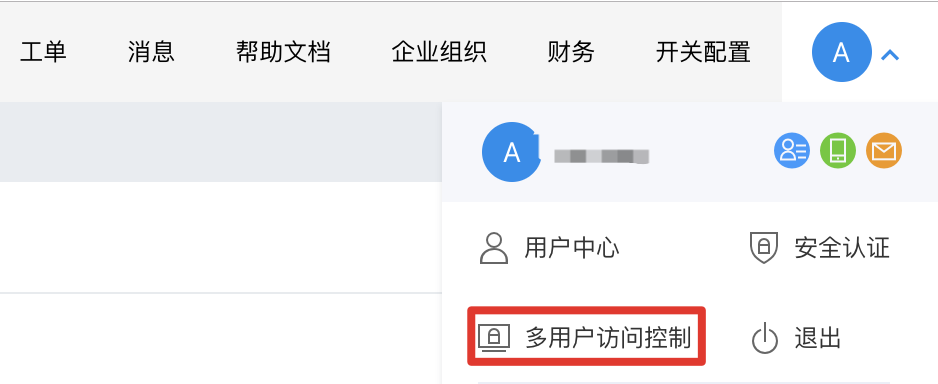
Step 1: Click the user avatar in the upper right corner, and then click "Identity and Access Management";
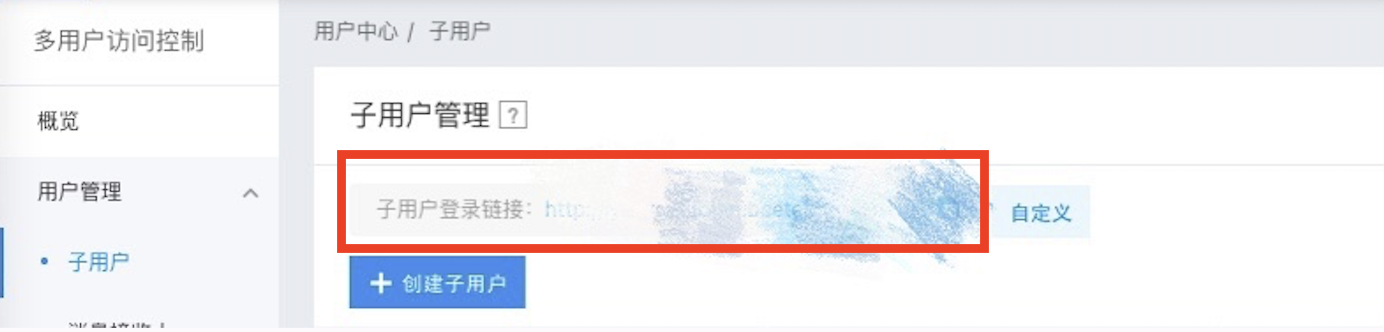
Step 2: Click "Create IAM User". After the IAM User is created, the login link is shown as in the figure;
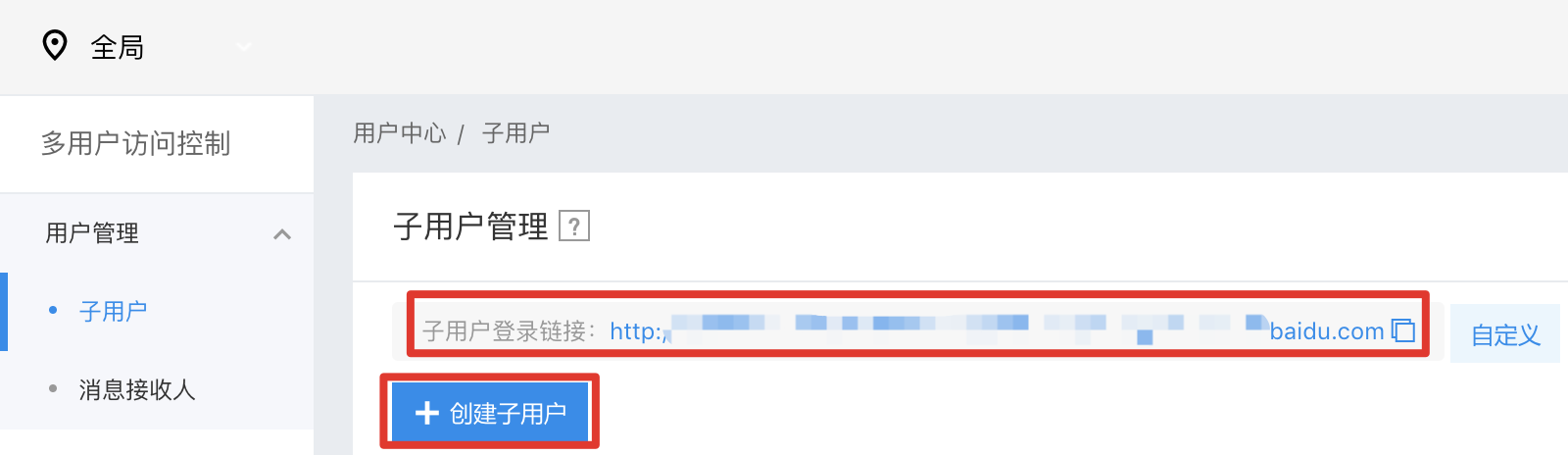
For details, refer to the Identity and Access Management Help Document.
Create custom policy
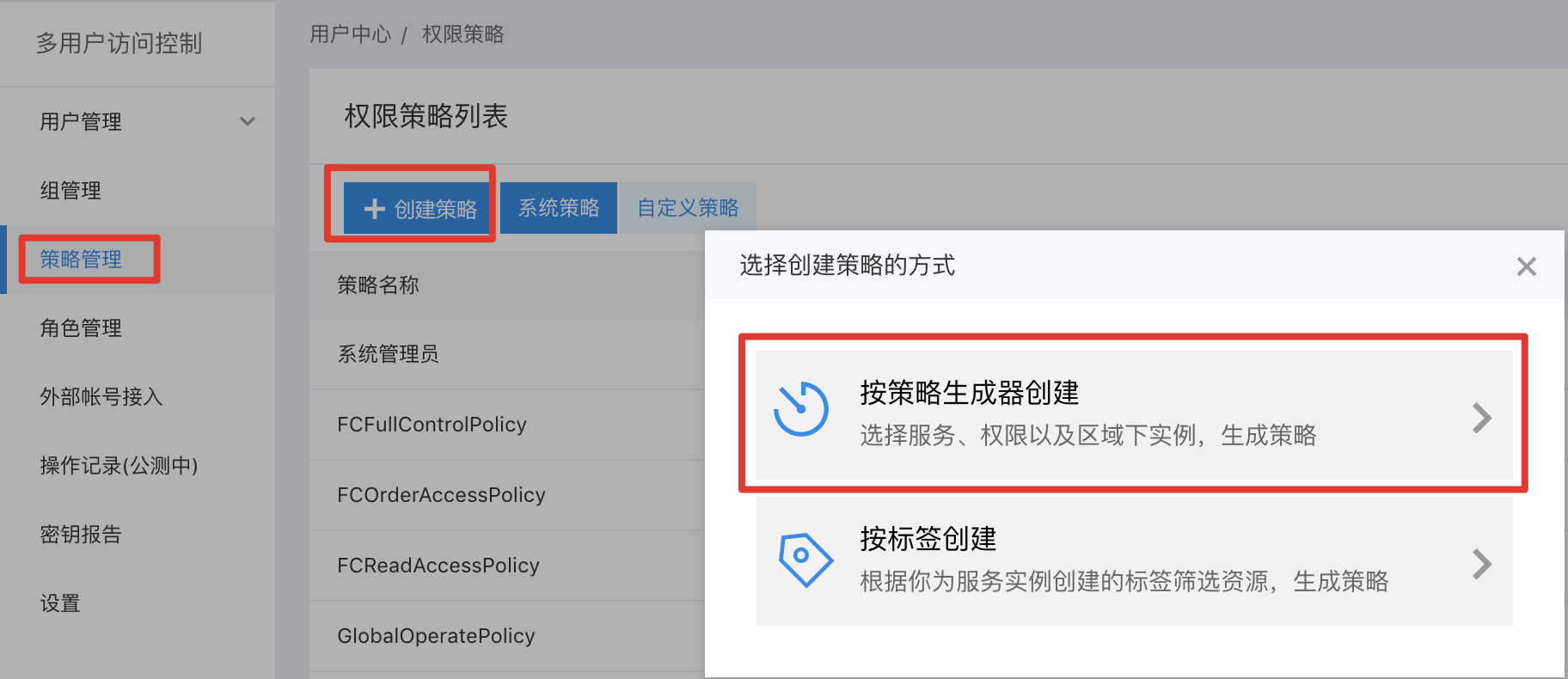
Step 1: Click "Policy" on the left, click "Create Policy", and then click "Create via Visual Editor";
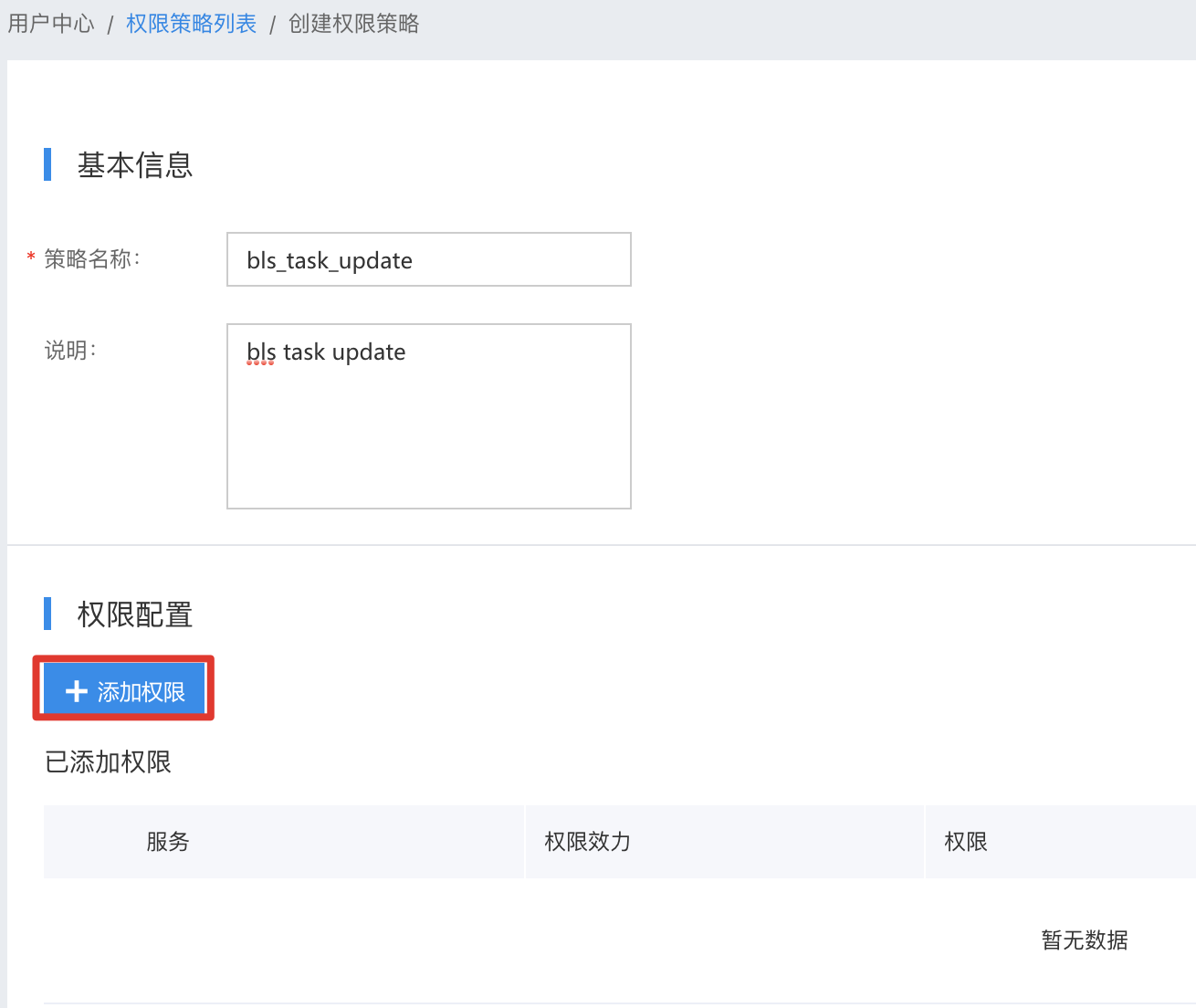
Step 2: Click "Add Permission";
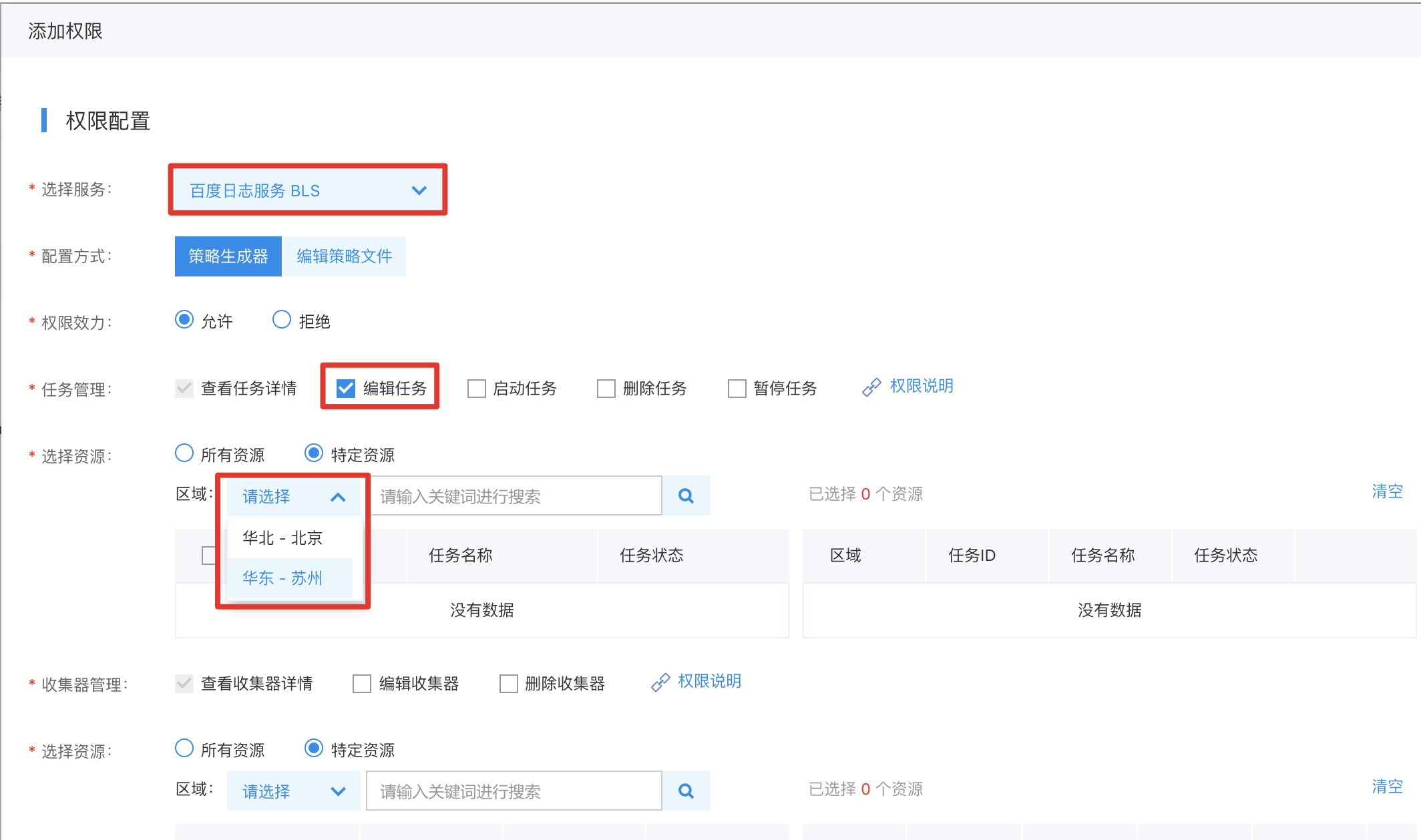
Step 3: Select "Baidu Log Service (BLS)", check the Permissions, check the Resources, and click "Complete";
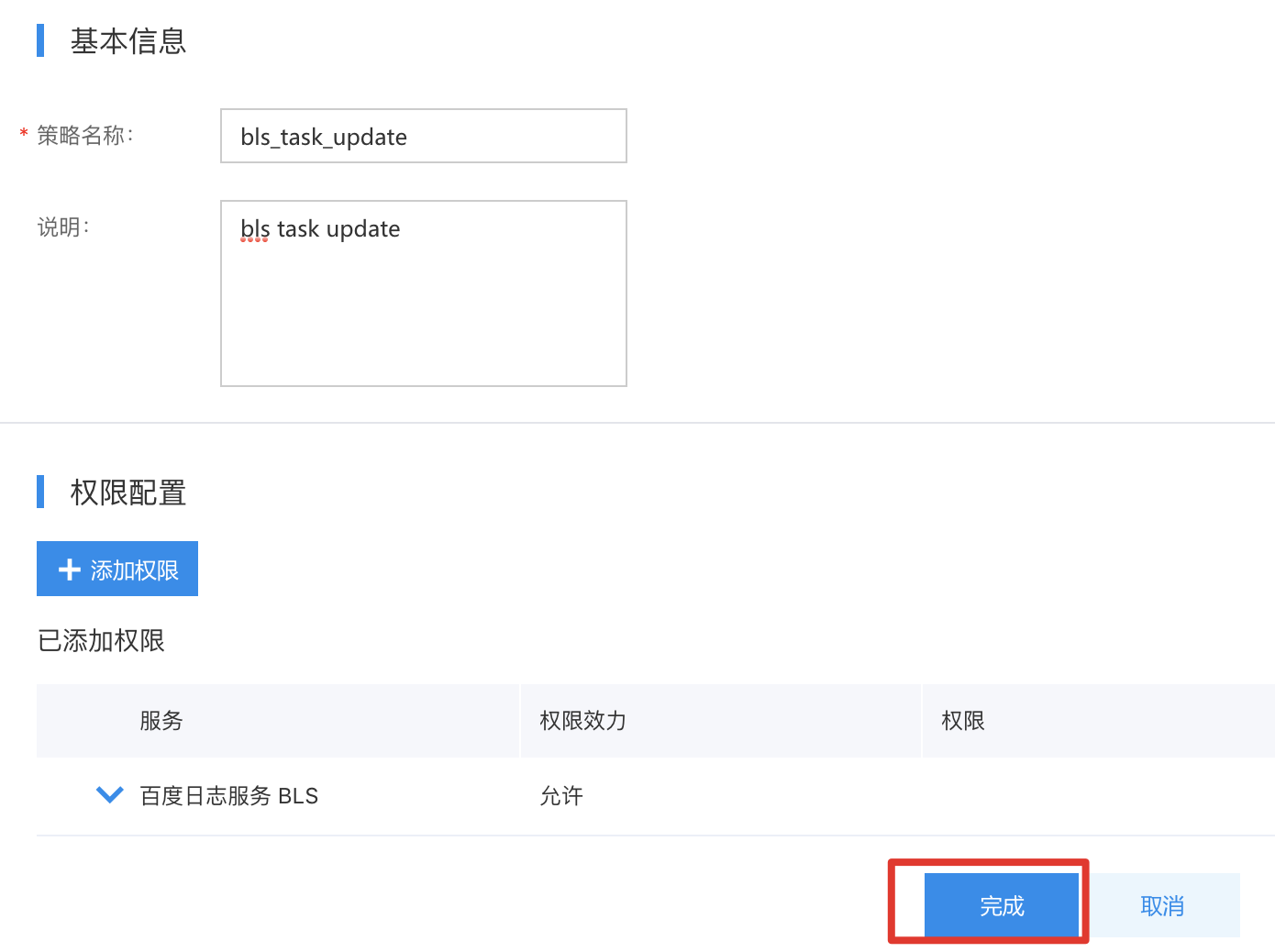
Step 4: Click "Complete" again;
Grant permissions to IAM users
Step 1: Click "Add Permission";

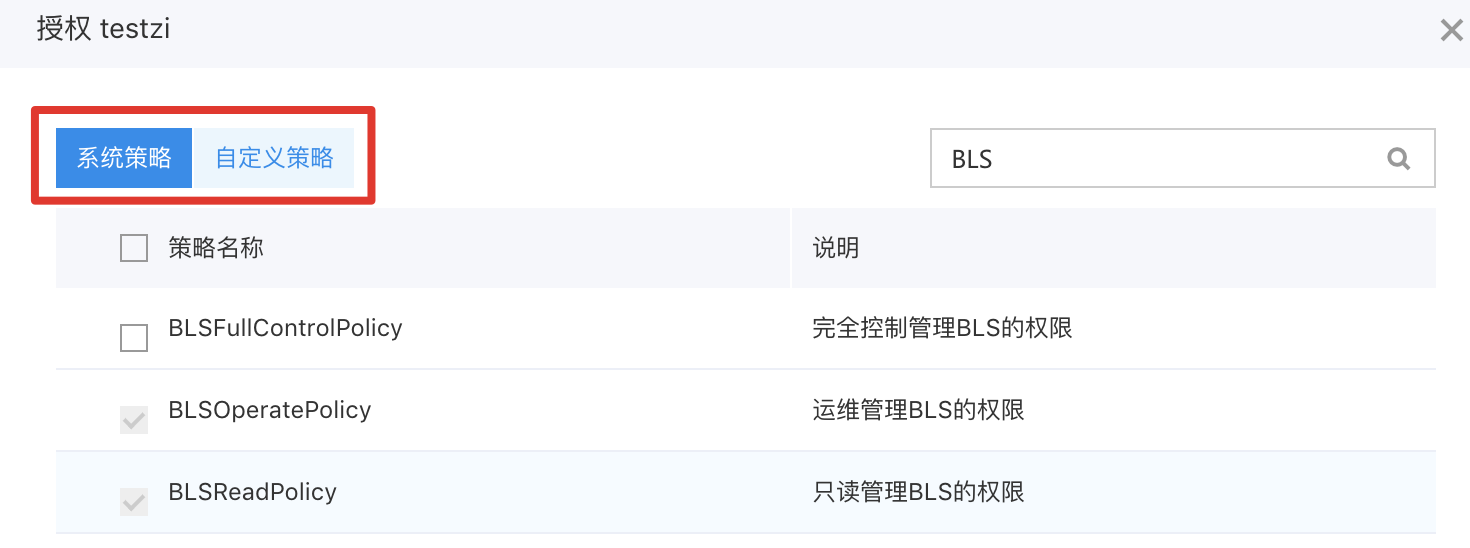
Step 2: Search for "bls," where you can add "System Policy" and "Custom Policy," then click "OK";
IAM user signs in to the console and access products
Step 1: Access the Sign in as IAM User link;
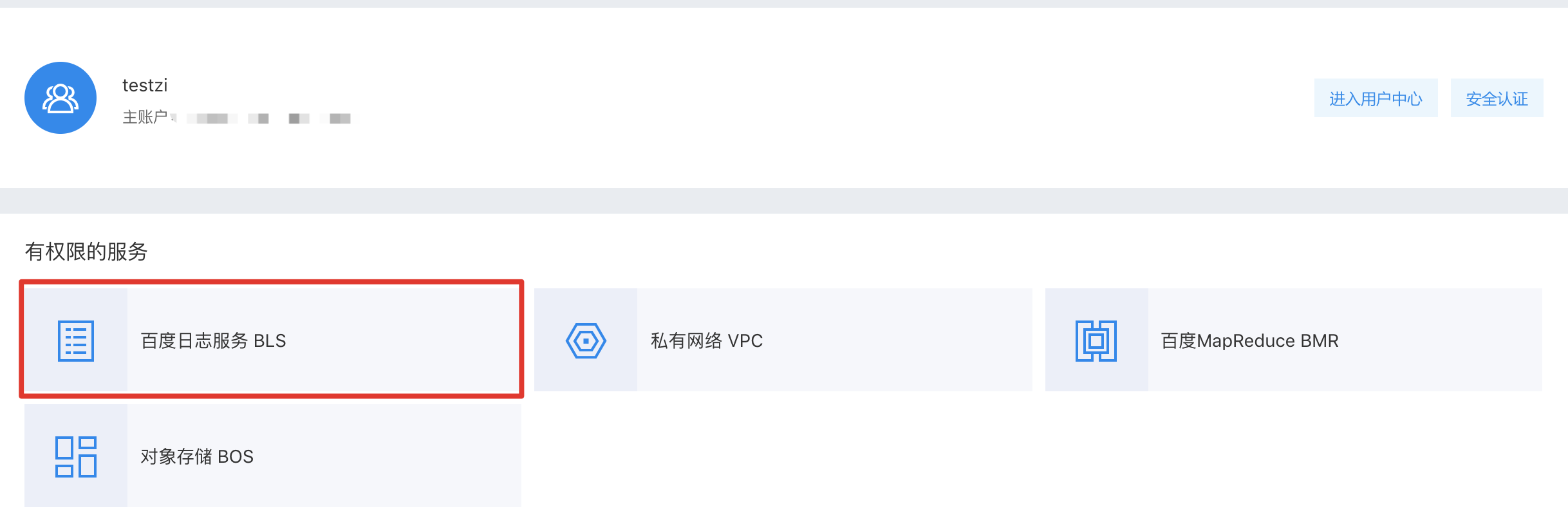
Step 2: Click BLS & access the product;