View Steps
Last Updated:2020-09-23
- In "Product Service>MapReduce>Baidu MapReduce-step List", click step name to view necessary information of step.
- Hadoop divides steps into some tasks to process, and task types are map tasks and reduce tasks. Click drop-down angle bracket to view task processing conditions.
- In case of failure, every task has four attempts, and information on every attempt is recorded in "View Attempt". Click "View Attempt" corresponding to "MAP" and "REDUCE" to view attempt information.
-
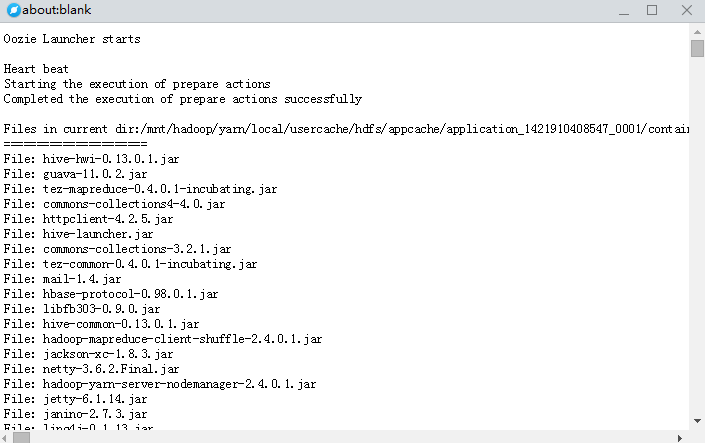
You can click "step Log" to view step logs, and the Spark step has no logs. The logs to show are syslog, stderr, and stdout.
- Syslog records details on step running;

- stderr records errors on step running;
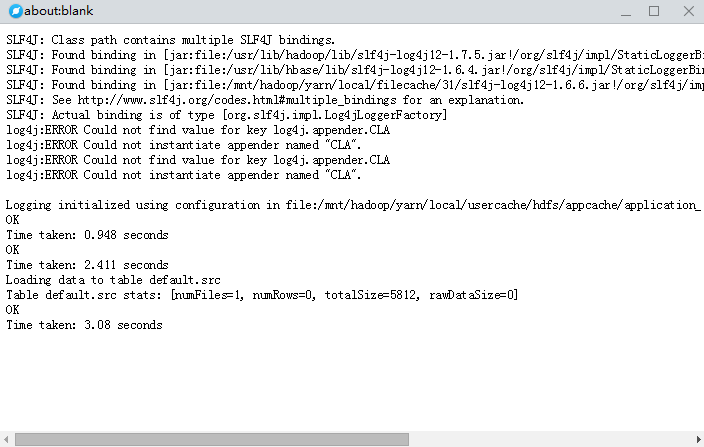
- stdout records outputs after the step is completed;